Project [08] 🖱️ClickSafe - Minesweeper with Tkinter
💻 What Is This Project About?
In this project, students build a fully playable Minesweeper game using Python and Tkinter. The code is split into a clean game model (rules and data) and a UI layer (buttons, menus, timer). By the end, students will have a working desktop app with multiple difficulty levels, flags, win/lose logic, and a timer.
Program aspects students will build: - A settings module with difficulty presets, fonts, and colors - A game model that tracks mines, flags, and revealed cells - Safe-first-click mine placement and adjacent-mine counting - Flood-reveal logic for empty spaces - A Tkinter interface with a grid of buttons - UI updates based on game state (numbers, flags, mines) - A game timer and status display - End-game handling with win/lose messages
🧠 What You’ll Learn (Coding & Python Topics)
- Classes, objects, and instance variables
- Separating concerns with multiple files
- Lists, list comprehensions, and 2D grids
- Dictionaries for configuration data
- Properties for read-only state access
- Event handling with Tkinter (mouse and keyboard)
- Using
dequefor breadth-first search (BFS) - Conditional logic and state updates
- UI redraw logic based on model changes
🎯 Learning Objectives
- Build a multi-file Python project with a clear structure
- Model game rules and state without mixing in UI code
- Implement core Minesweeper mechanics correctly
- Connect a game model to a Tkinter interface
- Manage user input, timers, and end-game states
🧭 How to Navigate This Document
Before we dive into coding your very first Python mystery game, here's how to move around this digital guide:
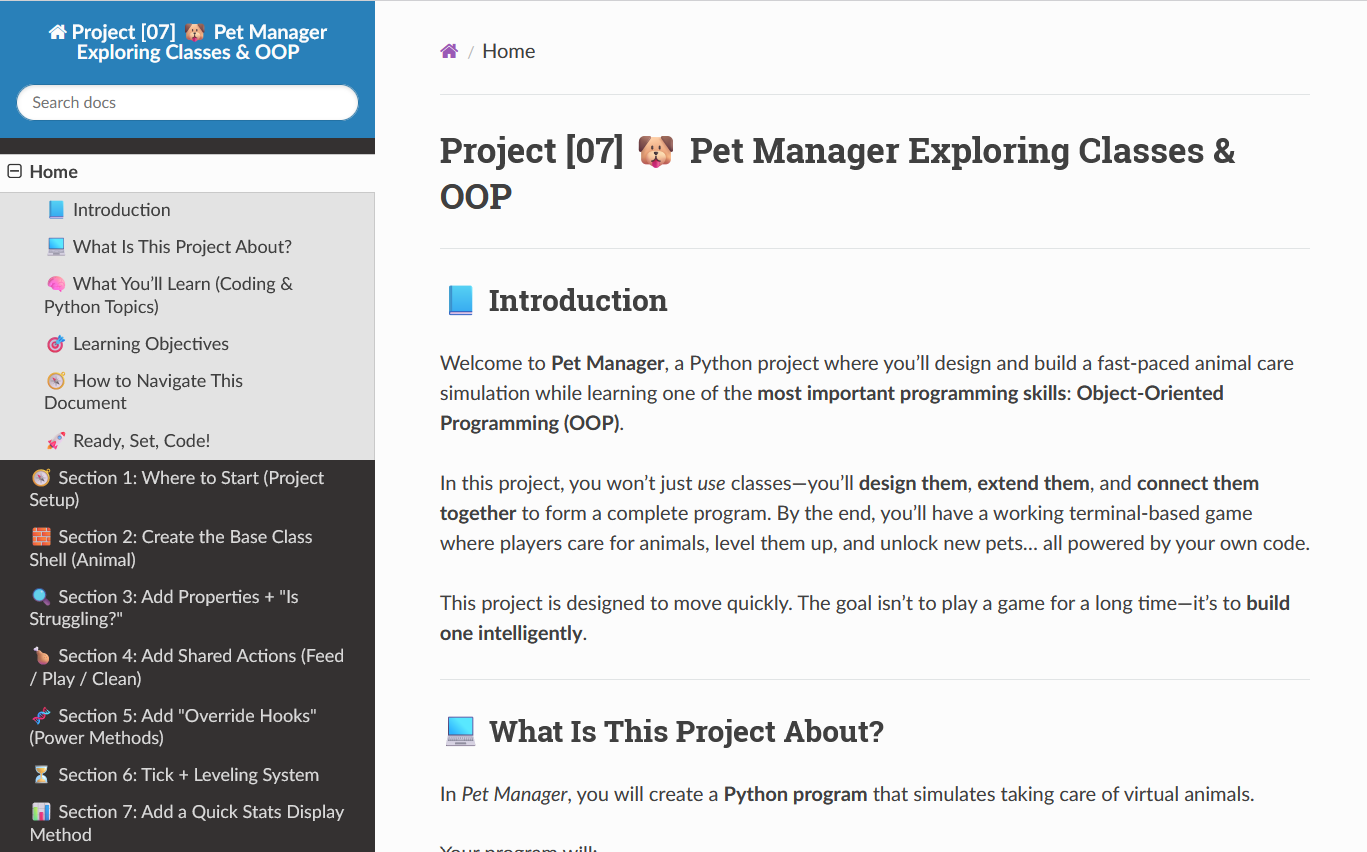
🔽 Use the Section Dropdown at the Top Right
At the top right of this document, there’s a dropdown menu. Click it to quickly jump to any section of the project—from Section 1 all the way to the final run.
🔽 Jump to the Next Section Using the Bottom Menu
If you scroll all the way to the bottom of the page, then move your mouse down to the very bottom, a small bar will pop up that lets you go to the next section.
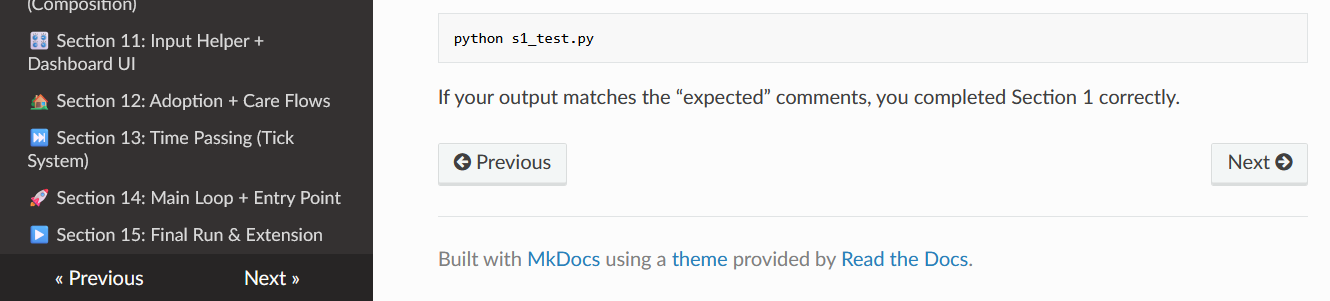
🔙 To Go Back, Use the Dropdown Again
There is no back button, so to return to a previous section, you’ll need to click the dropdown menu in the top right again and choose the earlier section.
🛠 Tip: Work One Section at a Time!_
Each section gives you a bit of code and teaches a new idea. Don’t rush! After each section, test your work with the small test file provided.
🚀 Ready, Set, Code!
You’re about to build a classic puzzle game from scratch. Each section adds a real piece of the final app, and by the last step you’ll have a complete, working Minesweeper. Take it one section at a time, test often, and enjoy watching the game come to life.